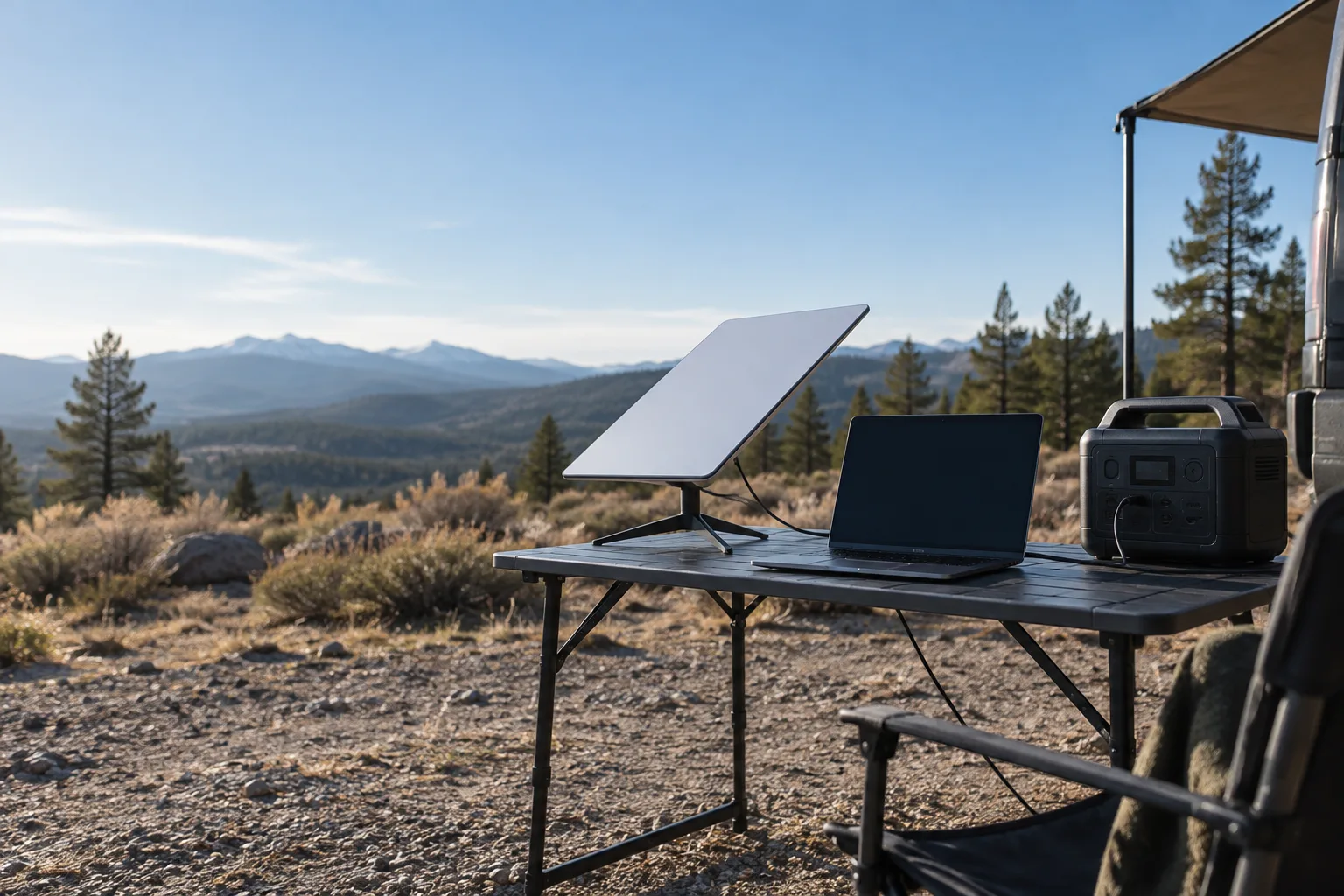
Start with the actual power path
Before comparing batteries, decide how you plan to feed the Starlink Mini. An AC adapter through the station’s inverter is straightforward, but it includes an extra conversion step. A documented DC or USB-C path can be more efficient, but the voltage, connector, power delivery profile and cable must be supported by the equipment. Do not infer compatibility from a plug that physically fits.
Running a Standard or Gen 3 dish instead? Our portable power station for Starlink guide compares official watt figures and runtimes for every Starlink kit.
Fits this load: Bluetti Elite 100 V2. 1,024 Wh battery, the size used in the math on this page, in an 11.5 kg unit with a 140 W USB-C port and 1,800 W AC output.
A Starlink Mini sizing checklist
- 01Read the current system documentation. Record the input voltage and power requirement for the exact hardware revision and accessories you own.
- 02List every component. Include the terminal, router or networking accessory if you use one, plus any USB or AC adapters in the path.
- 03Pick AC or DC deliberately. AC is often easier to set up; DC can reduce conversion overhead when the full chain is explicitly compatible.
- 04Set the target duration. Decide whether you need a short outage bridge, a workday, an overnight window or a multi-day off-grid plan.
- 05Plan the recharge window. A battery can run a load for a while and still be impractical if your solar, wall or vehicle input cannot refill it during the time available.
Runtime calculation
Use your measured average draw rather than a generic internet number:
For example, if your complete setup averages 40W and your planning model makes 783 Wh usable from a 1,024 Wh battery, the estimate is about 19.6 hours. That is an illustration of the math, not a claim about Starlink Mini’s consumption or any product’s usable capacity.
Features that matter more than a huge wattage badge
- A stable, documented DC or USB-C output if your chosen power path requires it.
- A display or monitoring app that shows current watts so you can catch an unexpected accessory load.
- Quiet operation if the station will sit beside a desk, tent or sleeping area.
- A solar input and recharge limit that match your panel configuration and available sun, without assuming the panel’s nameplate equals real harvest.
- Pass-through or UPS-like behavior only if the manufacturer documents it for your intended use; do not assume it is seamless for network equipment.
- Weather-safe placement for the satellite hardware and a dry, ventilated location for the power station.
FAQ
Can a portable power station run Starlink Mini?
Should I use AC or DC?
How much battery capacity do I need?
Planning guide · United States context · Updated October 24, 2026. Product lines, firmware, port standards and manufacturer limits change; verify the current manual before buying or connecting a load.