
Quick answer
Short answer: Starlink’s own spec sheets list an average of 75–100 W for the Standard kit, including the older Standard kit with the Gen 3 router, and 25–40 W for Starlink Mini. With a 1,000 Wh-class portable power station, that’s roughly 8.5–11 hours for a Standard dish on AC, or 22–36 hours for a Mini on its DC/USB-C input, before standby losses. For all-day or overnight Standard use, or home backup, step up to about 2,000 Wh. The Mini is the efficient case: Starlink rates it for 12–48 V DC input (60 W) or USB-C PD at 100 W, 20 V/5 A minimum with Starlink’s USB-C to barrel jack cable, so you can skip the inverter.
The two Bluetti stations below cover both cases: the Elite 100 V2 (1,024 Wh) for a Mini or for evening use with a Standard dish, and the Elite 200 V2 (2,073.6 Wh) for a full day of Standard use or backup at home. The deeper Mini-only guide is portable power station for Starlink Mini.
How much power does Starlink use? Official figures per dish
| Starlink kit | Average power consumption (official) | How it’s powered | Source |
|---|---|---|---|
| Standard (current Standard 4 / Standard 4 X kits) | 75–100 W | AC power supply, 100–240 V ~ 2.5 A, 50–60 Hz | Starlink Standard and Standard 4 spec sheets |
| Standard with Gen 3 router (kickstand dish, “Router 3”) | 75–100 W | AC power supply, 100–240 V ~ 2.5 A, 50–60 Hz | Starlink Standard kit spec sheet and specifications page |
| Mini | 25–40 W | DC input 12–48 V, 60 W max, or USB-C PD 100 W (20 V/5 A minimum) with Starlink’s USB-C to barrel jack cable. Included AC supply: 100–240 V ~ 1.6 A | Starlink Mini spec sheet |
| Standard Actuated (older) | Not on the current spec sheets. See Starlink specs or your power supply label | AC power supply | — |
| Flat High Performance | 110–150 W | See Starlink specs | Starlink Flat High Performance spec sheet |
All figures are from Starlink’s specification sheets, checked on October 23, 2026 (links in Sources). Three points matter for sizing:
- These are averages, not peaks. Starlink doesn’t publish a peak or startup wattage on these sheets. Leave headroom: any modern power station handles a 100 W load easily, so the battery capacity (Wh) is what limits you.
- The power supply rating isn’t the draw. “2.5 A” on the Standard supply is an input rating for the brick, not what the dish uses on average.
- Cold and snow can raise draw. Starlink lists snow-melt capability for each dish but no snow-melt wattage. In winter, plan toward the top of the range and measure.
To get your own number, plug the Starlink power supply into an inexpensive plug-in watt meter for a day, or read the output watts on your power station’s display.
Runtime: how long will a power station run Starlink?
Method (estimates, not tests): runtime (hours) ≈ battery Wh × efficiency ÷ Starlink average watts.
- AC path (Starlink’s own power supply plugged into the station’s inverter): 85% efficiency assumed.
- DC path (Mini on USB-C PD or the 12 V car outlet): 90% efficiency assumed.
- No reserve is held back, and the station’s own standby draw isn’t included. Expect real runtimes somewhat shorter, especially in cold weather.
| Station capacity | Standard / Gen 3 on AC at 100 W | Standard / Gen 3 on AC at 75 W | Mini on DC at 40 W | Mini on DC at 25 W |
|---|---|---|---|---|
| 300 Wh | ~2.5 h | ~3.4 h | ~6.8 h | ~10.8 h |
| 500 Wh | ~4.2 h | ~5.7 h | ~11.2 h | ~18 h |
| 1,000 Wh | ~8.5 h | ~11.3 h | ~22.5 h | ~36 h |
| 1,024 Wh (Elite 100 V2) | ~8.7 h | ~11.6 h | ~23 h | ~36.9 h |
| 2,000 Wh | ~17 h | ~22.7 h | ~45 h | ~72 h |
| 2,073.6 Wh (Elite 200 V2) | ~17.6 h | ~23.5 h | ~46.7 h | ~74.6 h |
For a more conservative figure, Bluetti’s own runtime formula for the Elite 100 V2 also counts 90% depth of discharge and about 10 W of station self-consumption. On that basis, a Standard dish gets about 7 hours at 100 W and about 9 hours at 75 W from the Elite 100 V2.
Running a Mini from its AC power supply instead of DC costs roughly 5% in this model: a 1,000 Wh station gives ~21–34 hours instead of ~22.5–36. For your own numbers, use our portable power station runtime calculator.
Daily energy: what a full day of Starlink needs
| Kit | Wh per 24 h at the dish | From the battery (after assumed losses) |
|---|---|---|
| Standard / Gen 3 (75–100 W, AC) | 1,800–2,400 Wh | ~2,120–2,820 Wh |
| Mini (25–40 W, DC) | 600–960 Wh | ~670–1,070 Wh |
So a 2 kWh station runs a Standard dish around the clock for most of a day, not a full day plus. A 1 kWh station covers a Mini for about a day. Most people don’t run Starlink 24/7 off-grid: turning it off overnight, or using a power schedule, stretches every battery on this page.
AC vs 12 V vs USB-C: the power path matters
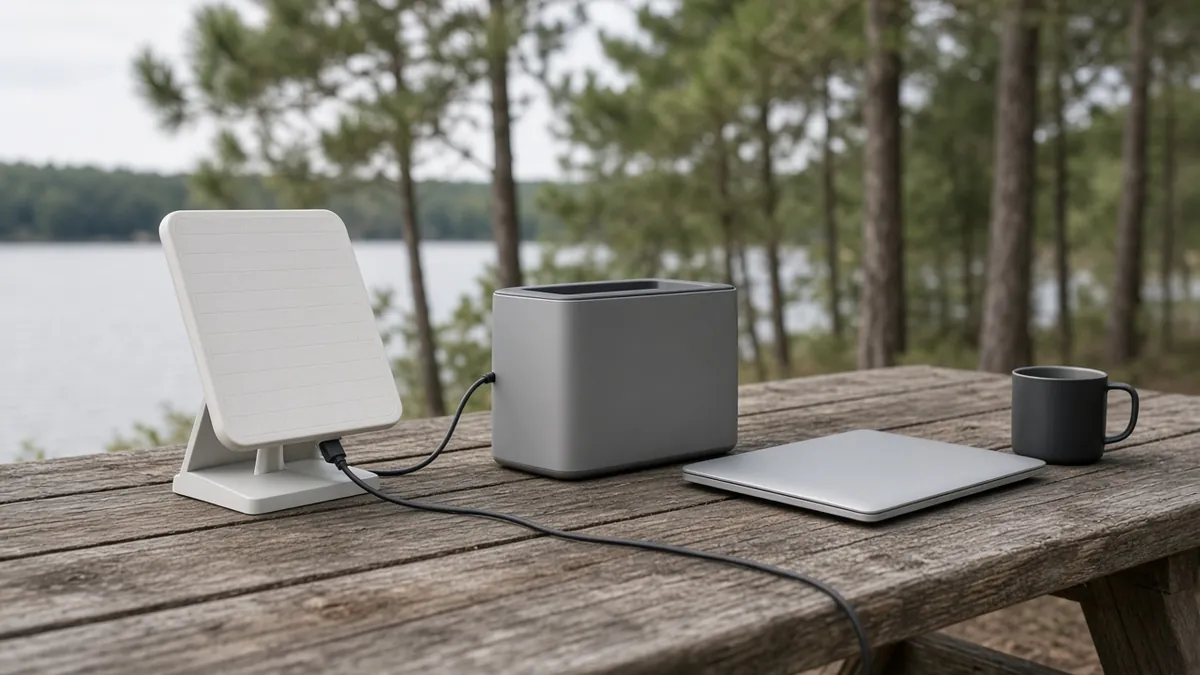
Standard and Gen 3 kits: plan on AC. Starlink’s official spec for these kits is an AC power supply (100–240 V). Plug that supply into one of the station’s 120 V AC outlets. Use a pure sine wave station. Both Elite models below list a pure sine wave inverter. Third-party DC conversion kits for Standard dishes exist, but they aren’t part of Starlink’s published specs, so this guide doesn’t size around them.
Mini: use DC when you can. Starlink rates the Mini for 12–48 V DC at up to 60 W, and for USB-C Power Delivery at 100 W, 20 V/5 A minimum with Starlink’s USB-C to barrel jack cable accessory. Both skip the inverter’s conversion loss. Two practical routes:
- USB-C PD: use a station USB-C port rated 100 W or more and Starlink’s USB-C to barrel jack cable. A 65 W port doesn’t meet Starlink’s stated minimum.
- 12 V car outlet: a 12 V-to-Mini DC cable from the station’s 12 V car outlet (both stations below list 12 V/10 A) stays inside the Mini’s 12–48 V input range. Buy a cable made for the Mini’s barrel input, and check its polarity and rating.
On a power station, leaving the AC inverter off while you run the Mini on DC also saves the inverter’s own idle draw, which helps on long nights.
Two power stations that fit Starlink
We picked from Bluetti’s current US lineup, because Bluetti publishes complete specs for both models. The specs below are from Bluetti’s official US product pages, read on October 23, 2026. They aren’t our test results.
| Bluetti Elite 100 V2 | Bluetti Elite 200 V2 | |
|---|---|---|
| Best Starlink fit | Mini all day; Standard for an evening | Standard for a full day; home backup |
| Capacity | 1,024 Wh | 2,073.6 Wh |
| AC output | 1,800 W (2,700 W surge), 120 V | 2,600 W (3,900 W Power Lifting), 120 V |
| USB-C | Listed as 1 × 100 W max + 1 × 140 W max | 2 × 100 W max |
| 12 V car outlet | 12 V/10 A | 12 V/10 A |
| Solar input | 1,000 W max, 12–60 V, 20 A max | 1,000 W max, 12–60 V, 20 A max |
| UPS switchover | ≤10 ms | Within 15 ms (Bluetti FAQ) |
| RV outlet | — | None listed (no higher-current RV port, per Bluetti FAQ) |
| Weight | 25 lb (11.5 kg) | 53.4 lb (24.2 kg) |
Bluetti Elite 100 V2: best for Starlink Mini and evening Standard use
At 1,024 Wh and about 25 lb, the Elite 100 V2 is the one you can carry to a campsite or keep in a van. For a Mini, its USB-C ports meet Starlink’s 100 W PD requirement, and its 12 V/10 A car outlet suits a Mini DC cable. That’s roughly 23–37 hours on DC in our estimate. For a Standard or Gen 3 dish, expect about 8.5–11.5 hours on AC: a workday or an evening, not a full day and night. Bluetti lists a ≤10 ms UPS switchover, LiFePO₄ cells rated for 4,000+ cycles to 80%, and 1,000 W of solar input.
Choose it if: you have a Mini, or you run a Standard dish for part of the day and recharge from solar or the car.
Bluetti Elite 200 V2: best for Standard dishes and home backup
The Elite 200 V2 doubles the capacity to 2,073.6 Wh. That’s about 17.5–23.5 hours for a Standard or Gen 3 dish on AC in our estimate, or two to three days of Mini use on DC. It also has 2,600 W of continuous output, so Starlink can share it with a laptop, lights or a small fridge. Bluetti’s FAQ lists a UPS function that switches within 15 ms, which makes it a fit for keeping a home Starlink online through short outages. It doesn’t have a TT-30 or other high-current RV outlet, though: Bluetti’s FAQ says it isn’t designed to power an entire RV system, so in an RV it runs individual devices from its standard outlets. It weighs 53.4 lb, so it’s a base-camp, RV or home station rather than one you carry far.
Choose it if: you run a Standard dish most of the day, work remotely from an RV, or want Starlink backup at home.
Other Bluetti options, briefly: the AC180 (1,152 Wh, 1,800 W, one 100 W USB-C) sits in the same class as the Elite 100 V2. The AC200L (2,048 Wh, 2,400 W, expandable up to 8,192 Wh) suits owners who want room to add batteries later. Our Bluetti vs Jackery comparison covers these models in more detail.
Solar charging for Starlink off-grid
To run Starlink indefinitely off-grid, your panels need to replace what the dish uses each day:
- Standard / Gen 3: roughly 2,100–2,800 Wh per 24 hours from the battery (table above). That’s a lot of solar for a portable setup, so most off-grid Standard users run the dish only part of the day.
- Mini: roughly 670–1,070 Wh per 24 hours on DC. That’s realistic for a modest portable array on a sunny day.
A rough planning rule: daily panel output ≈ panel watts × your local peak sun hours × about 0.75 for real-world losses (heat, angle, cable and charge-controller losses). That is an estimate, not a guarantee. Check that your panel’s voltage falls inside the station’s solar window: 12–60 V for both stations here. Our guide on how to charge a portable power station with solar panels covers connectors and series vs parallel wiring, and the off-grid camping planning guide covers multi-day budgets.
Using a power station as a Starlink battery backup (UPS)
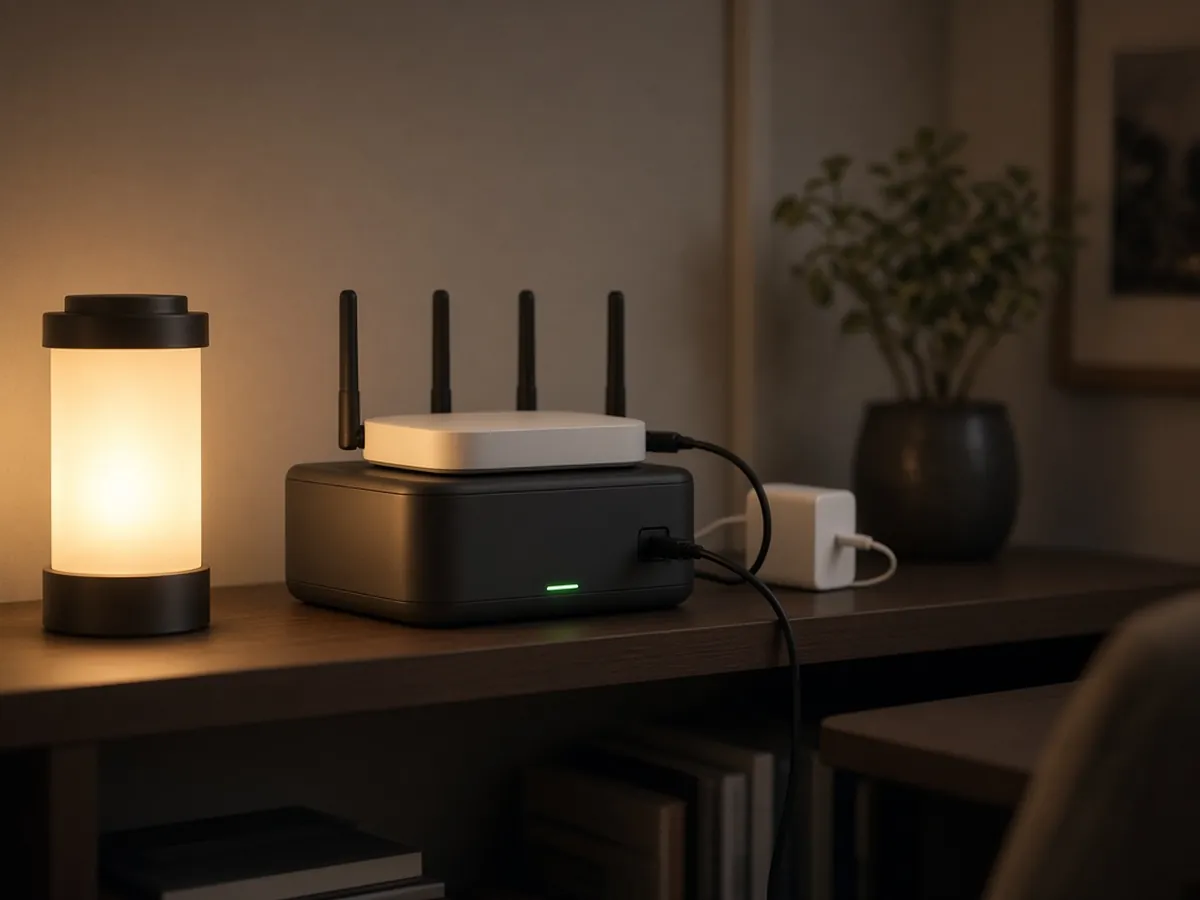
For home Starlink, a power station can sit between the wall outlet and the Starlink power supply, charging from the wall and taking over during an outage:
- Plug the station into the wall and the Starlink power supply into the station’s AC outlet.
- Check the switchover time. Bluetti lists ≤10 ms for the Elite 100 V2 and within 15 ms for the Elite 200 V2. Starlink doesn’t publish how short an interruption its hardware rides through, so test it once: unplug the station from the wall and watch whether Starlink stays online.
- Size for the outage you expect. Using the table above, a Standard dish gets about 8.5–11.5 hours from a 1 kWh station and about 17–23.5 hours from a 2 kWh station.
- Add your other network gear. If you use your own router, a mesh node or a switch, add their watts to the Starlink figure.
- Mind battery wear. Read our notes on pass-through charging and UPS limits before you leave a station plugged in all year.
How we chose
- Official numbers only. Starlink power figures come from Starlink’s spec sheets, and station specs from Bluetti’s US product pages, both read on October 23, 2026. Where a figure isn’t published, we say so.
- Fit for both dish classes. One portable station sized for a Mini or part-day Standard use, and one sized for a full day of Standard use and home backup.
- A usable Mini DC path. Both stations list USB-C ports rated 100 W, which matches Starlink’s Mini PD requirement, plus a 12 V/10 A car outlet.
- Backup features. Both list a UPS function with a stated switchover time.
- No lab tests. We didn’t run these stations with a dish. The runtimes are math with stated assumptions.
Quick checklist before you buy
- Which dish do you have: Standard, the Standard kit with the Gen 3 router, or Mini? Check the label or your Starlink app.
- How many hours a day will Starlink run? Multiply by 75–100 W (Standard) or 25–40 W (Mini).
- Mini: does the station have a USB-C port rated 100 W or more, or a regulated 12 V outlet and the right cable?
- Standard: does the station have a pure sine wave 120 V AC outlet?
- Off-grid: will your solar replace a full day’s Wh, and is the panel voltage inside the station’s solar window?
- Home backup: does the station list a UPS function, and have you tested the switchover with your own hardware?
For RV setups, see the portable power station for RV guide. For general sizing, see the 1000W and 2000W guides.
FAQ
How much power does Starlink use?
What size portable power station do I need for Starlink?
How long will a 1000Wh power station run Starlink?
Can a power bank run Starlink Mini?
Can Starlink run on 12V?
Can I use a portable power station as a UPS for Starlink?
Does Starlink use more power in snow?
Sources
- Starlink, Standard 4 X Kit specifications (Power Consumption Average: 75–100 W; power supply 100–240 V ~ 2.5 A). https://starlink.com/public-files/specification_sheet_standard.pdf
- Starlink, Standard 4 Kit specifications (Average: 75–100 W; power supply 100–240 V ~ 2.5 A). https://starlink.com/public-files/specification_sheet_standard4.pdf
- Starlink, Standard Kit specifications (Standard kit with Router 3 / Gen 3 router, Average: 75–100 W). https://starlink.com/public-files/specification_sheet_standard_it-IT.pdf and https://www.starlink.com/specifications
- Starlink, Mini specifications (Average: 25–40 W; Input Rating 12–48 V 60 W; USB PD Requirement 100 W, 20 V/5 A minimum with the Starlink USB-C to Barrel Jack Cable accessory; power supply 100–240 V ~ 1.6 A). https://starlink.com/public-files/specification_sheet_mini.pdf
- Starlink, Flat High Performance specifications (Average: 110–150 W). https://starlink.com/public-files/specification_sheet_flat_high_performance.pdf
- Bluetti US, Elite 100 V2 product page (1,024 Wh; 1,800 W / 2,700 W surge; USB-C 100 W + 140 W; 12 V/10 A car outlet; solar 1,000 W, 12–60 V; UPS ≤10 ms; 4,000+ cycles; 25 lb). https://www.bluettipower.com/products/elite-100-v2-portable-power-station
- Bluetti US, Elite 200 V2 product page (2,073.6 Wh; 2,600 W / 3,900 W Power Lifting; 2 × 100 W USB-C; 12 V/10 A car outlet; solar 1,000 W, 12–60 V; UPS within 15 ms per FAQ; 53.4 lb). https://www.bluettipower.com/products/elite-200-v2-portable-power-station
- Bluetti US, AC180 and AC200L product pages (capacity and output only). https://www.bluettipower.com/products/ac180 · https://www.bluettipower.com/products/ac200l
Planning guide · United States context · Published October 23, 2026. Runtimes are estimates from stated assumptions, not tests. Starlink and Bluetti specs change; check your exact model before relying on backup power.